By TOTELOAD 82WOOD LINE Inc.

Turn a photo into motion.

Liberai is an AI creation studio that fits in one hand. Animate a still photo, restyle a portrait, or start from a template — and get a share-ready result in seconds.

Android No public feed Credits, not subscriptions you forget Cancel anytime
Liberai's Image to Video screen: a casual living-room snapshot turned into a sunlit rooftop moment, with the Generate button below.
Before & after

Drag it. That's the whole product.

These are real pairs — the photo you upload on the left, the result Liberai returned on the right. Drag the handle or use the arrow keys.

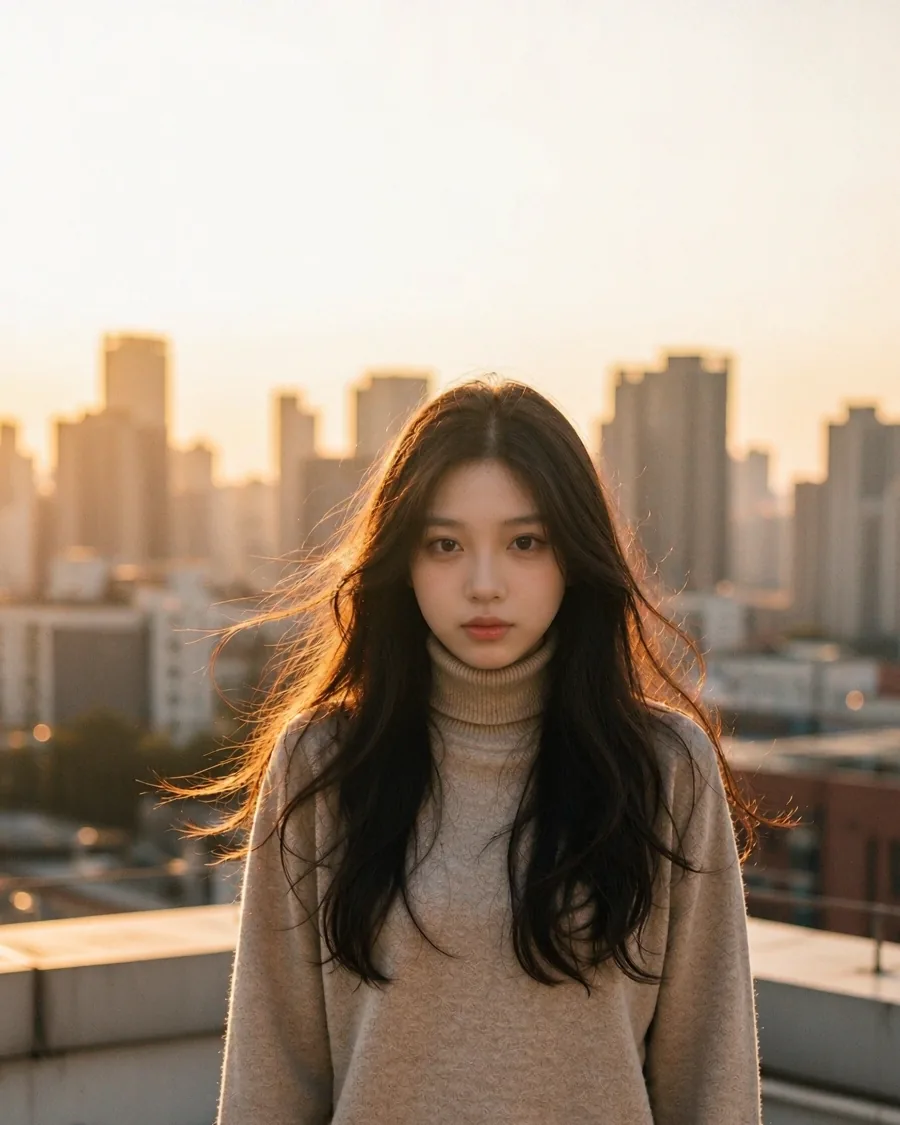
Result: the same woman on a sunlit rooftop at golden hour
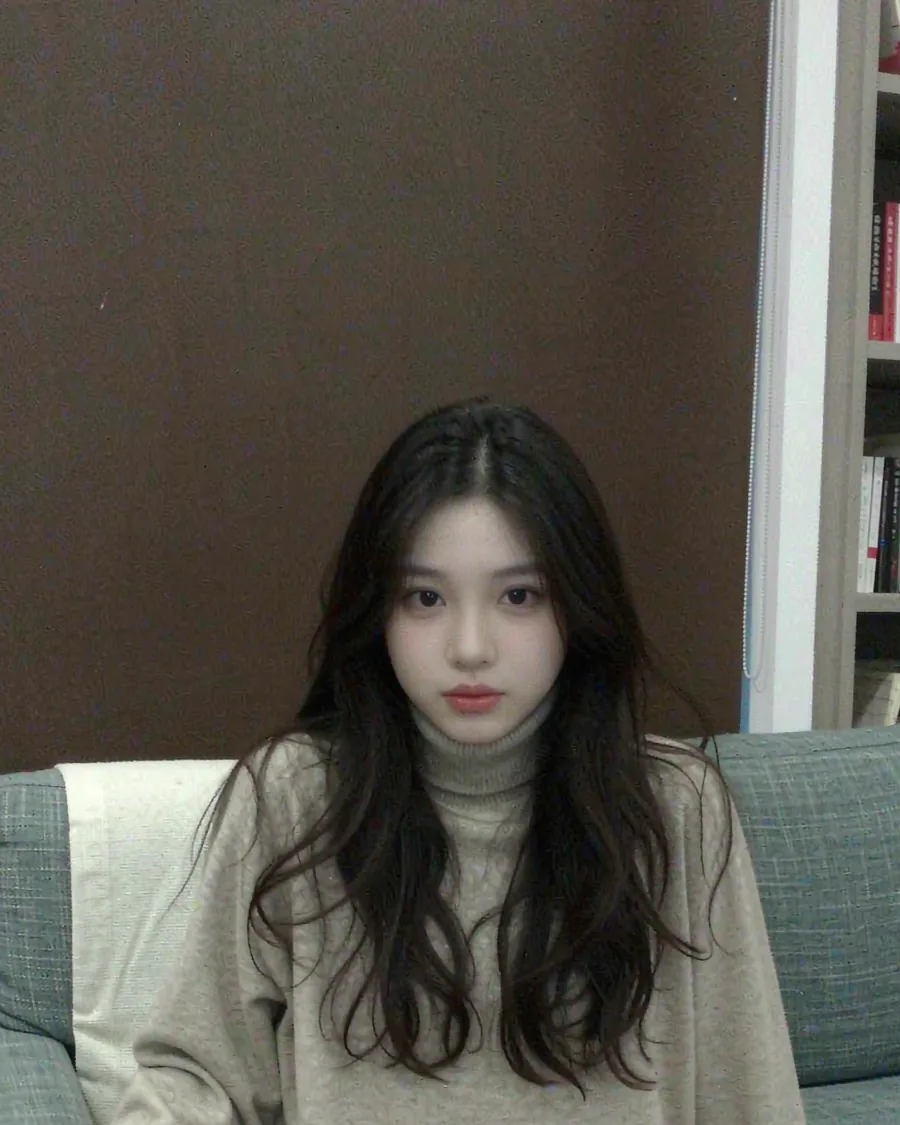
Original: a casual living-room snapshot
Before After

Faces, poses, and framing are preserved from the photo you upload. Only light, environment, and motion change.

Capabilities

Four ways in.

Every mode sits one tap from the home screen. Pick one, add your input, and Liberai handles the rest.

01

Image to Video

Give a still photo motion, atmosphere, and a share-ready result in seconds. Choose how much it moves and let it run.

Most used
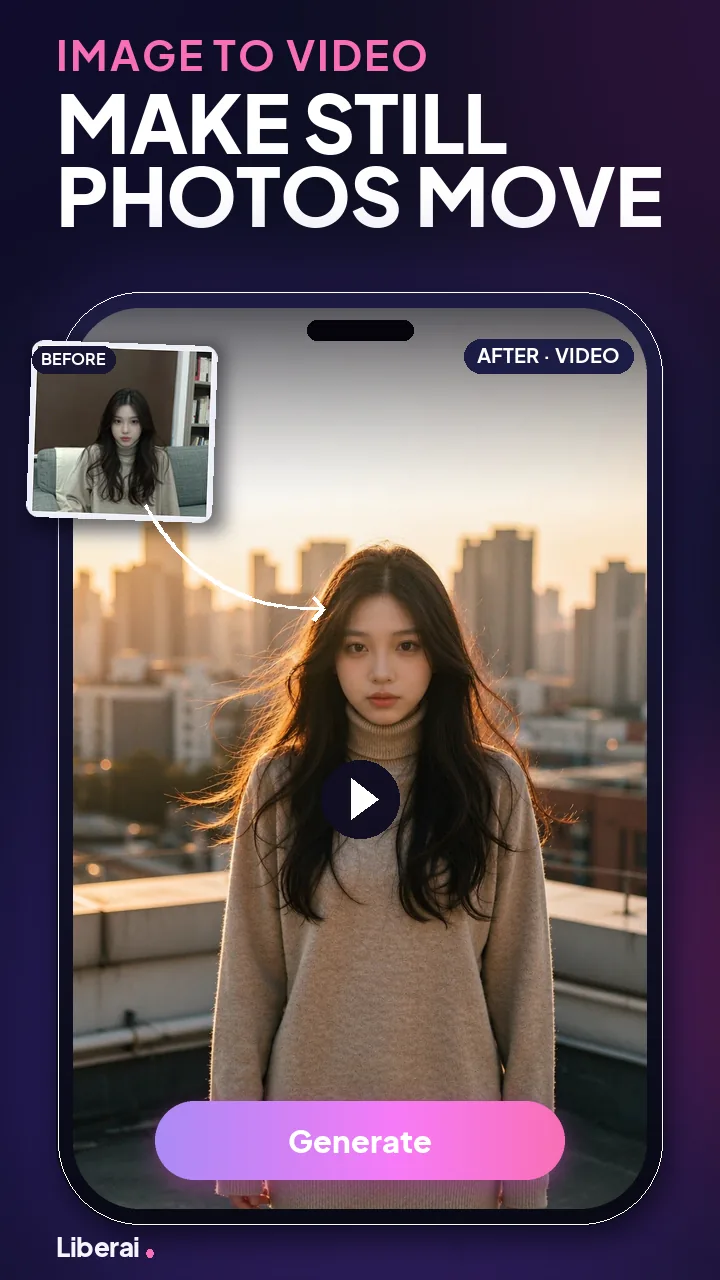
Image to Video screen
02

Image to Image

Restyle a photo, rebuild the lighting, or move it into a whole new look — portrait, editorial, or film still.

Photo
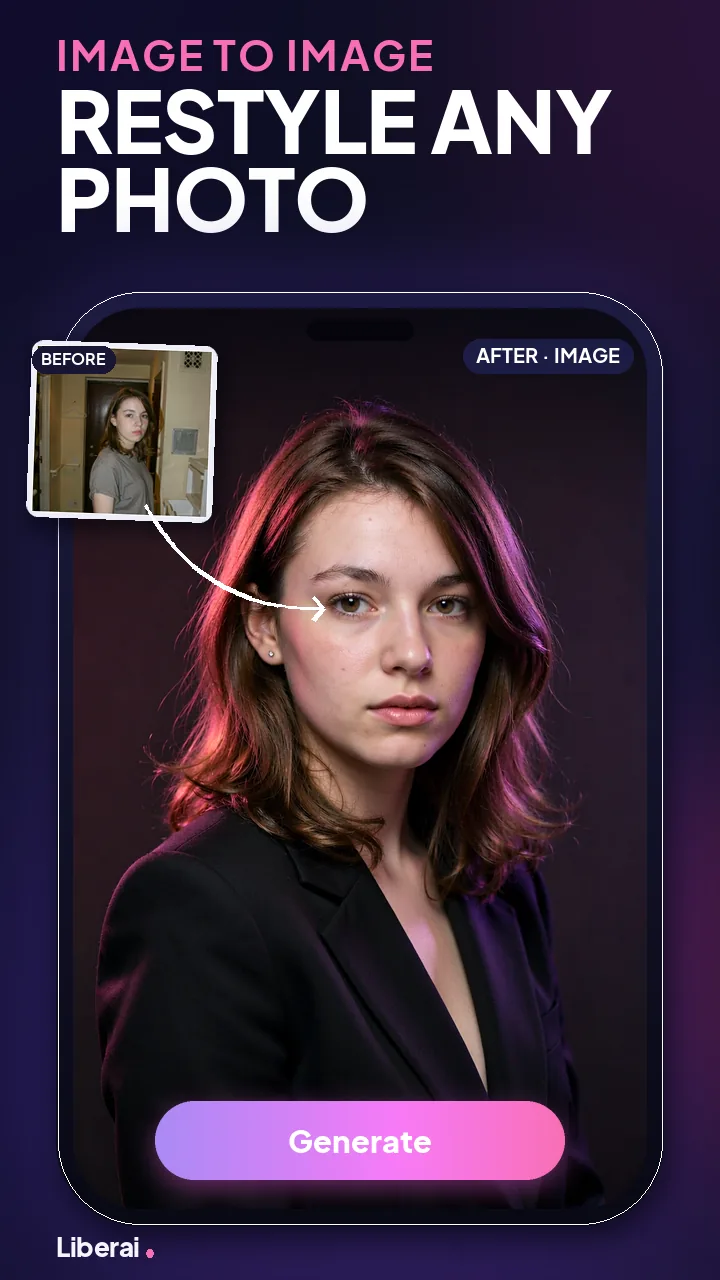
Image to Image screen
03

Text to Video

Describe a scene, an action, or a mood in your own words. No photo needed — Liberai generates the footage.

No upload
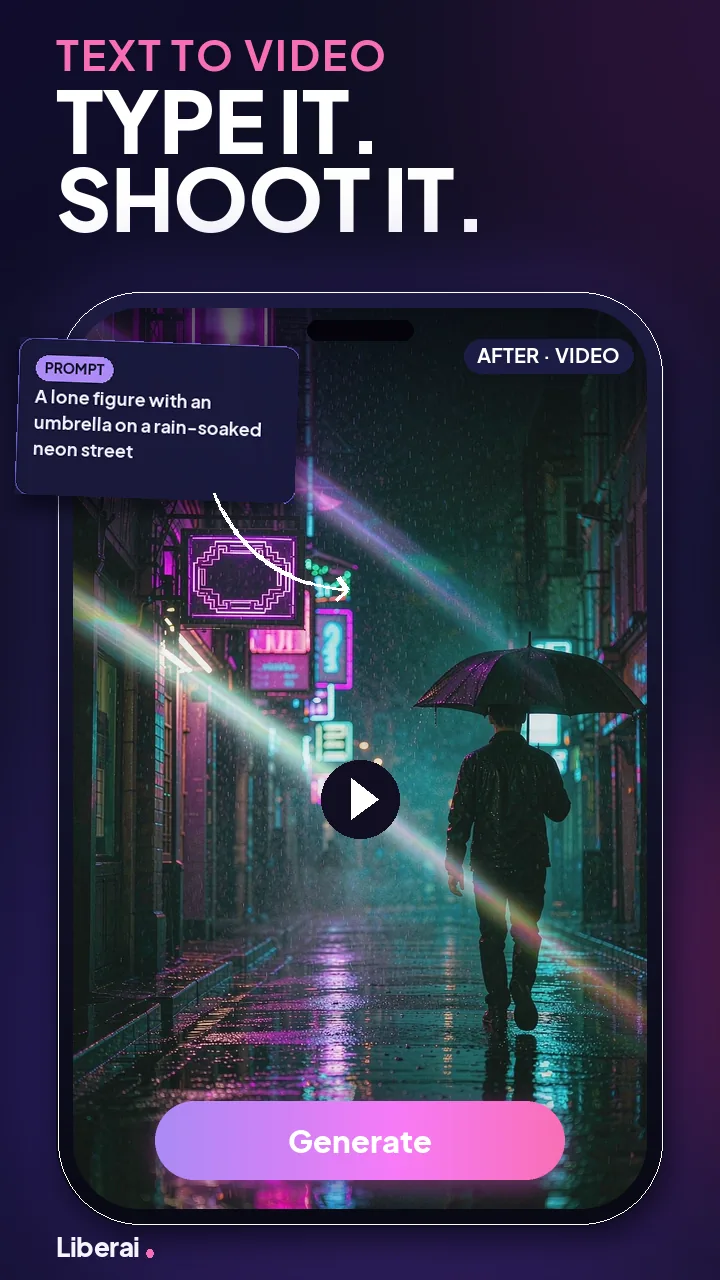
Text to Video screen
04

Multi-Reference

Blend characters, scenes, and styles from several references into a single result that belongs to none of them.

Up to 4 refs
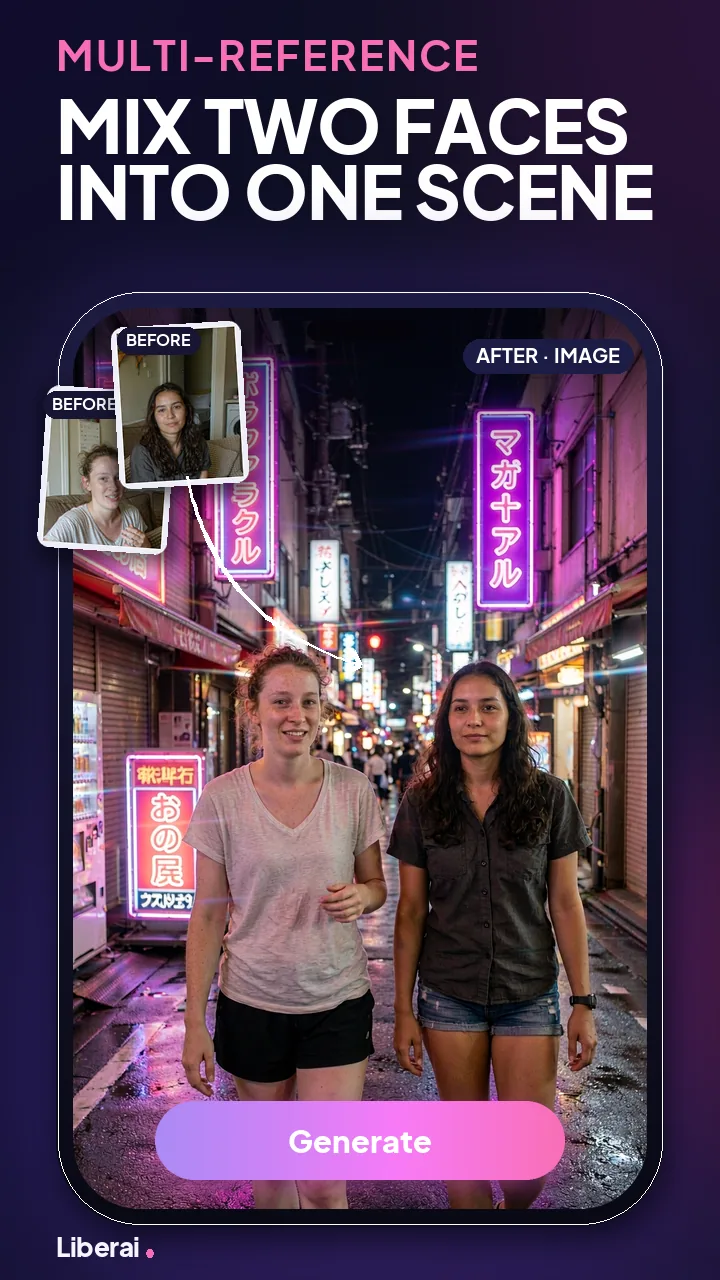
Multi-Reference screen
Inside the app

These are the app's own store screens.

Every mode puts the photo you gave it next to the result it returned. No timeline, no layers, no export settings.
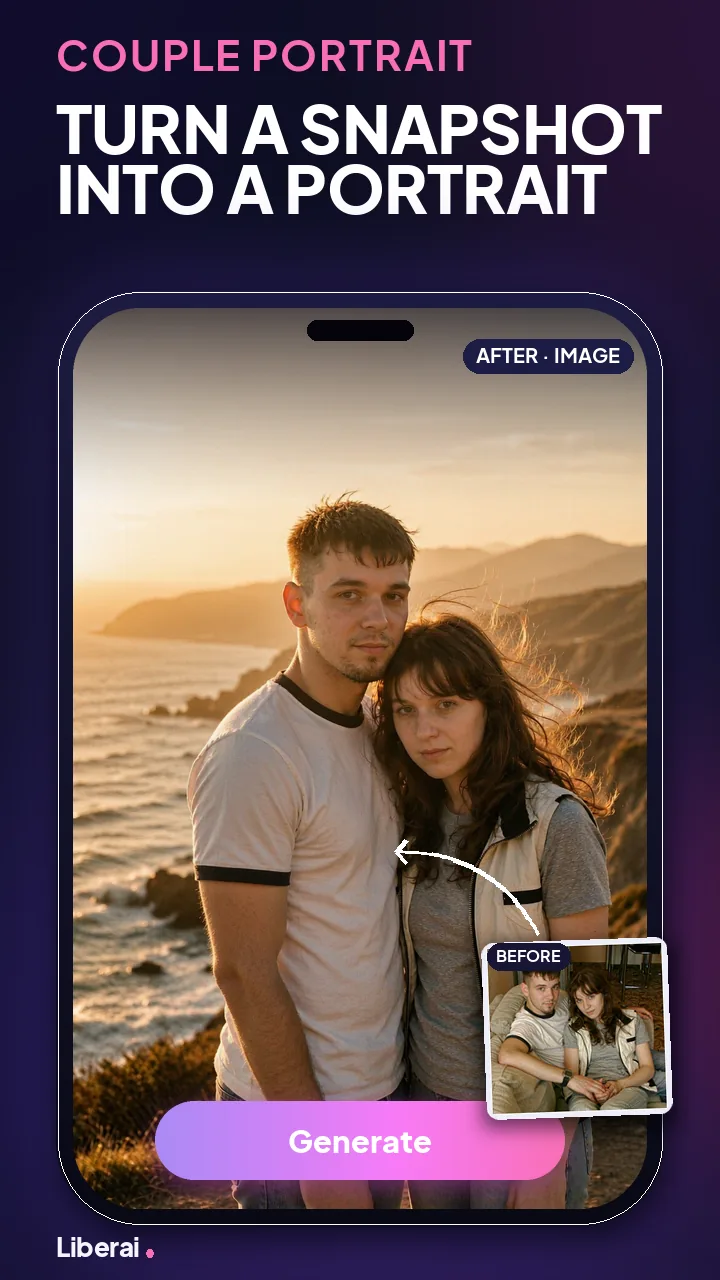
Image to Video screen
Image to VideoMake a still photo move.
Image to Image screen
Image to ImageRestyle a portrait.
Text to Video screen
Text to VideoWrite the scene, get the shot.
Multi-Reference screen
Multi-ReferenceBlend two faces into one scene.
Couple Portrait template screen
Couple PortraitTurn a snapshot into a portrait.
Simple workflow

Three steps, start to share.

1

Choose a mode

Start with image-to-video, image-to-image, text-to-video, or a template.

2

Add your input

Upload a photo you own, write a prompt, or pick a preset from the gallery.

3

Generate and export

Create your result, download it to your phone, and share it wherever you like.

Template gallery

Skip the blank page.

Browse ready-made scenes, drop in your own photo, and get a finished result with the pacing and style already handled. New templates land regularly.
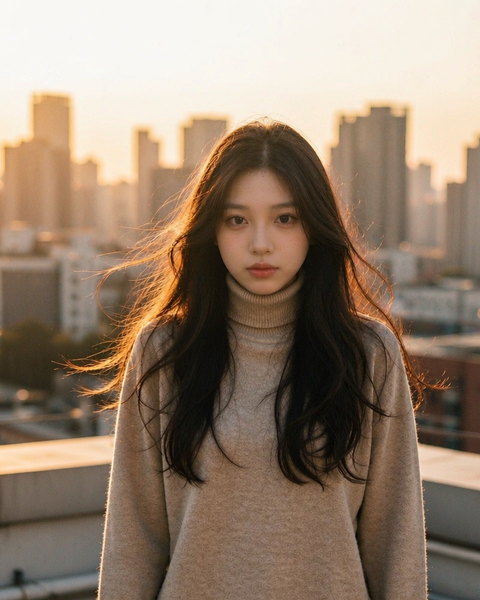
Golden Hour templateNew
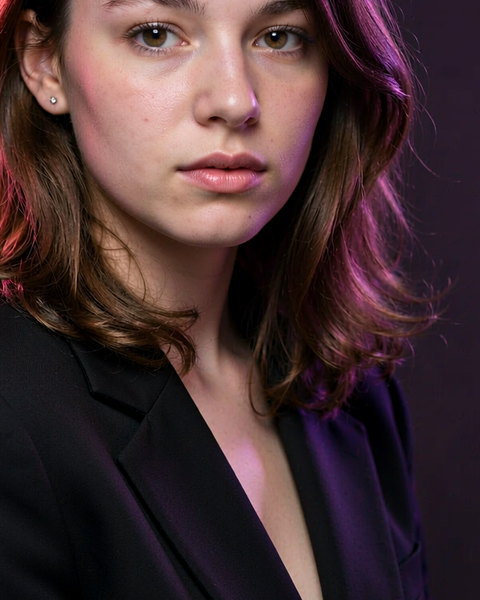
Studio Restyle template
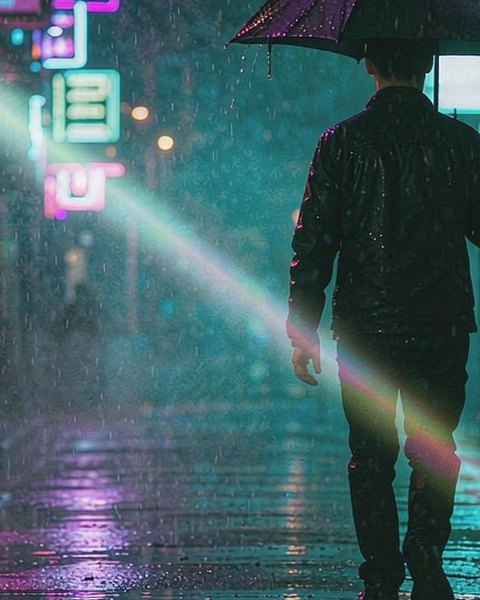
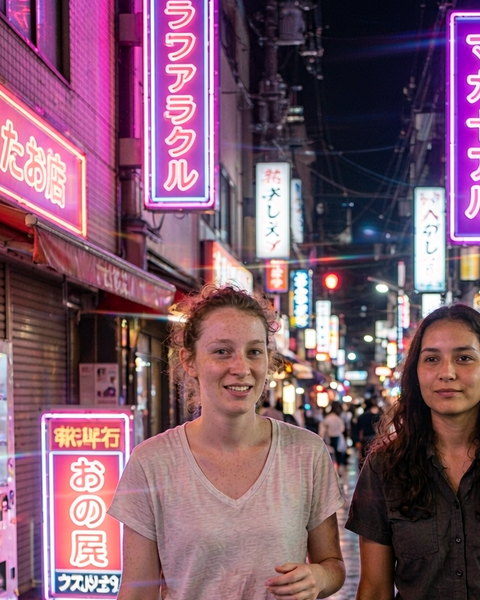
Neon Street templateNew
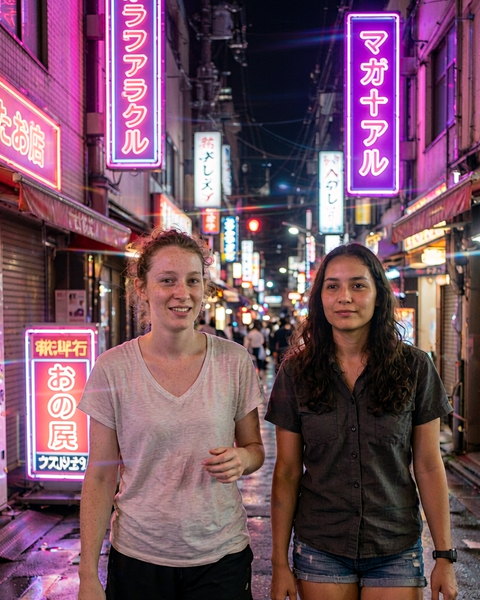
City Duet template
Cliff Sunset template
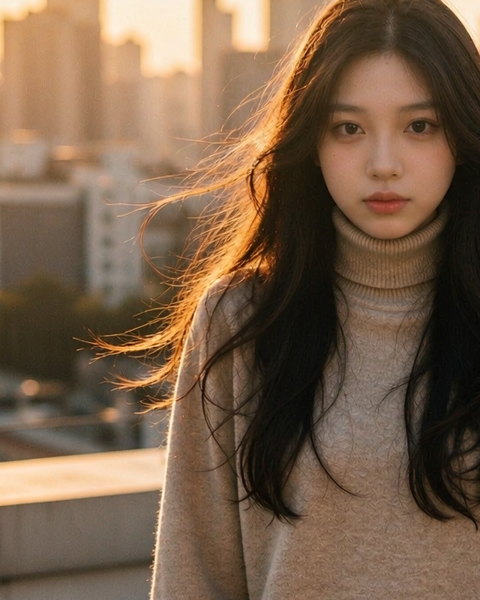
Rooftop Motion template
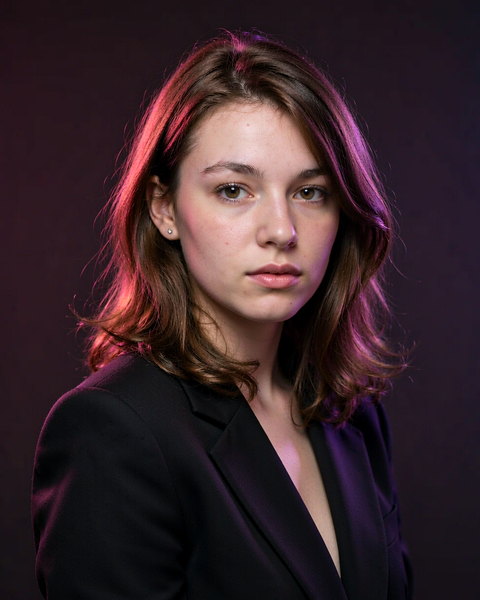
Editorial Look template
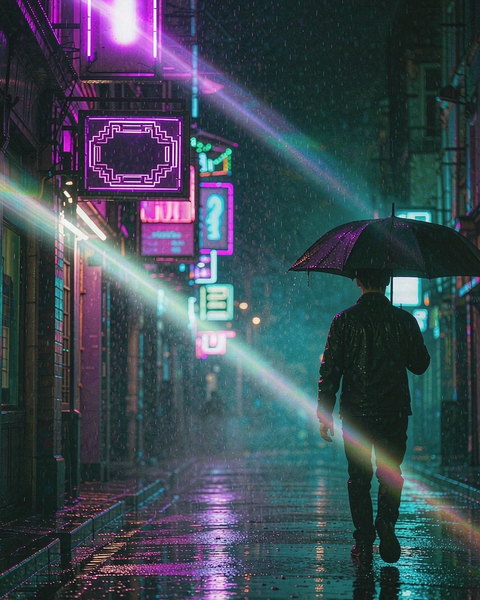
Rain Walk template
Midnight Alley templateNew
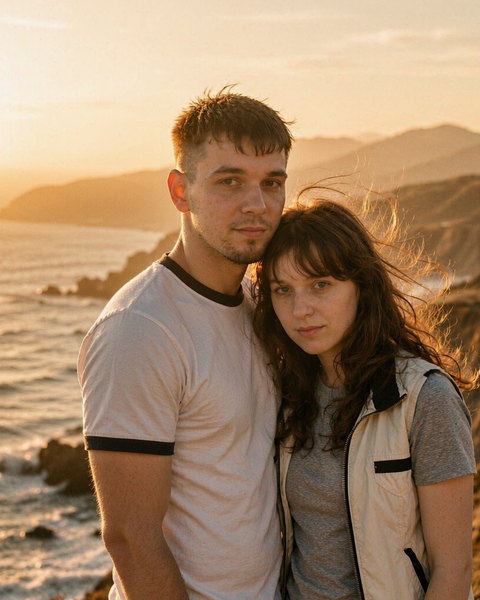
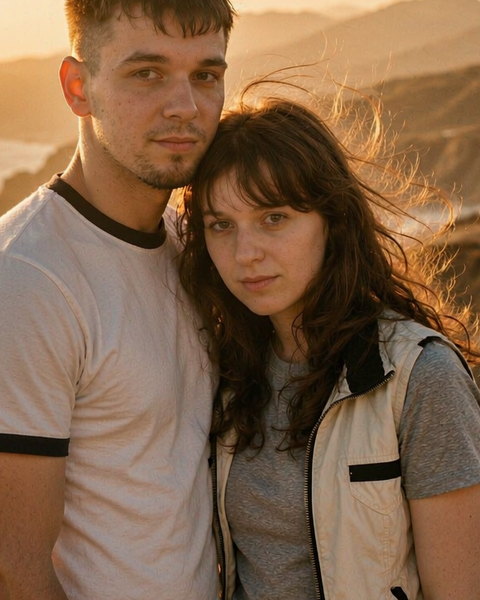
Golden Couple template
First run

A few taps, then it fits you.

Liberai asks a short set of questions on first launch and tunes the template gallery to what you actually want to make. You can change any answer later.

Which gender fits you?

Helps us pick templates. Change any time.

MaleNon-binaryFemale

Who's the face?

Pick anyone you have permission to use.

MyselfPartnerFamilyPet

What's your age range?

Under 2525 – 3435 – 4445+
Credits

You always know what a creation costs.

Liberai runs on credits. The price of a generation is shown on the button before you tap it — never discovered afterwards.

Included
Free to start

New accounts come with starting credits, so you can try every mode before paying anything.

Top-up packs
One-time

Buy credits when you need them. Packs never expire and are not a subscription.

Transparency
On the button

Costs are listed per generation, and your balance sits on the home screen.

Responsible by design

Your photos stay yours.

Liberai is built to create, not to broadcast. Nothing you make is exposed to other users unless you choose to share it yourself.

No public feed

Your creations are not published to a browsable gallery, and other users cannot view them inside the app.

Originals are cleaned up

Uploaded source photos are removed from our processing pipeline once generation completes.

Results are yours

Download your videos and photos to your device, keep them, or delete them at any time.

Clear, enforced rules

Our Terms prohibit harmful, deceptive, and non-consensual content, and any content involving a minor.

Questions

Good to know before you install.

Is Liberai free?
Liberai is free to download from Google Play and includes starting credits. Beyond that you buy credit packs, or take an optional subscription. Every paid option is shown clearly inside the app before you are charged.
Which devices are supported?
Liberai runs on Android and is distributed through Google Play. The store listing shows the current minimum Android version and supported devices.
Do I need an account?
You can open the app and start creating right away. Linking an account keeps your credits and creations available the next time you use Liberai.
How do credits work?
Each generation costs a set number of credits, shown on the button before you start. Credit packs are one-time purchases and never expire. You can check your balance any time from the home screen.
Whose photos can I upload?
Upload photos you took yourself, or photos of people who have agreed to it. Our Terms prohibit non-consensual imagery and anything involving a minor, and we remove reported content.
How do I get help, or delete my data?
Email support@toteload82woodline.com for any support request, including data deletion. You can also clear all data or delete your account from inside the app. Our Privacy Policy describes the process in detail.
Available on Android

Start creating with Liberai.

Download Liberai free from Google Play and make your first AI video in under a minute.